 |
 Home | Webstore Home | Webstore
|
|
Latest News:
OOTP 27 Buy Now
- FHM 12 Available
- OOTP Go! Available
Out of the Park Baseball 27 Buy Now! |

|
|
||||
| ||||
|
|||||||
| OOTP 18 - General Discussions Everything about the 2017 version of Out of the Park Baseball - officially licensed by MLB.com and the MLBPA. |
 |
|
|
Thread Tools |
 04-06-2017, 02:03 PM
|
#1 |
|
Minors (Single A)
Join Date: May 2005
Posts: 98
|
Team Photos
Maybe i'm just missing it, but in 17 when a team photo was generated it had an image background, in 18 it seems to just have a solid white background?
Any ideas if this can be modified, (change background or adding the team logo ) 17 - 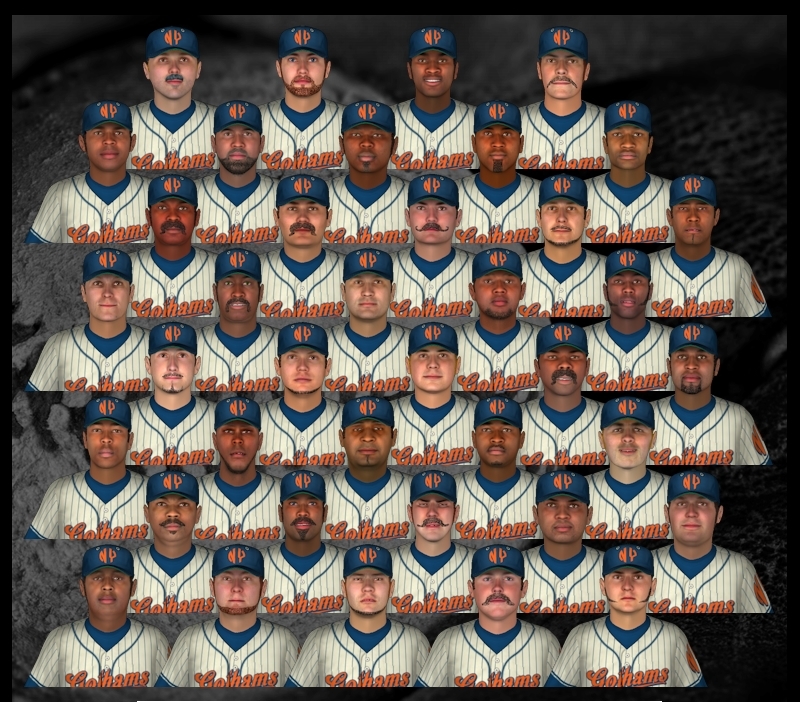 18- 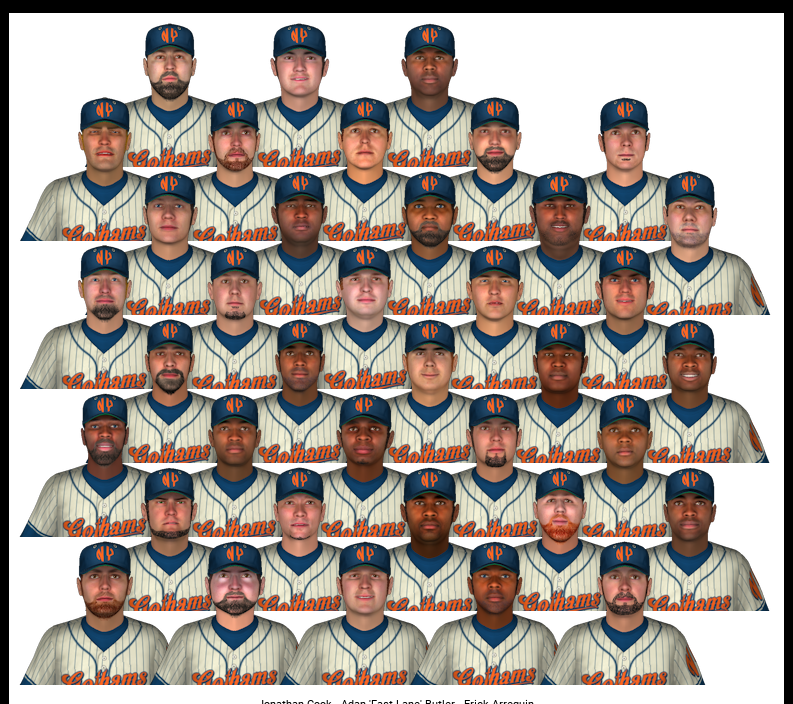
|

|

|
|
04-06-2017, 11:31 PM
|
#2 |
|
Hall Of Famer

Join Date: Apr 2009
Location: Long Island
Posts: 11,742
|
Yes, apparently you don't have a background installed. That was my situation, as you see in the first screen print. I got a white background, like yours, in the second screen print. I selected one of the defaults and got a gray background, at least, in the third screen print.
Here's the thing. In 17, background pictures were used in the game interface on some team screens. In 18, they don't appear to be used at all, at least in the skin that I am using (OOTP 18). In 18, the developers may have forgotten that they were also used in team pictures, because I looked in C:\Users\Bruce\Documents\Out of the Park Developments\OOTP Baseball 17\backgrounds and recalled that they provided the backgrounds shown in the fourth screen print. In the same folder for 18, however, they are missing. What I did, though, was to copy one of the backgrounds from the 17 backgrounds folder to the same folder for 18, installed the background for my team, and got the team picture shown in the fifth screen print. So, it's not hard to customize; look in 17 and use those backgrounds or come up with your own 1920 x 1200 pixels background picture and save it in .png format. Note: Those 1920 x 1200 pixels background pictures from 17 work well on my laptop because that happens to be my screen resolution. If your screen is larger, then some bigger background file may be in order but with the same size proportions. For example, I noticed that the default gray background files are 2560 x 1600. Those are the same proportions in relation to each other as 1920 x 1200; that is, 1.6 to 1.0.
__________________
- Bru Last edited by Déjà Bru; 04-06-2017 at 11:52 PM. |
|
|
|
|
04-07-2017, 09:18 PM
|
#3 |
|
All Star Reserve
Join Date: Jan 2005
Posts: 772
|
It'd be cool to change the background to the White House.
|
|
|
|
|
04-08-2017, 11:15 AM
|
#4 | |
|
Major Leagues
Join Date: Apr 2010
Location: Flat lands
Posts: 424
|
Quote:
also you can play with the opacity if you have the right photo editing software, 70% might look good, just a little fade so it doesn't stick out as much. |
|
|
|
|
|
| Bookmarks |
|
|


